What is UDID?
UDID is a unique identifier for each Apple device — like a serial number that distinguishes your iPhone or iPad from every other device.
Open this page in Safari on iPhone or iPad, or scan the QR code below to get your UDID
Tap the button below to get UDID on this device
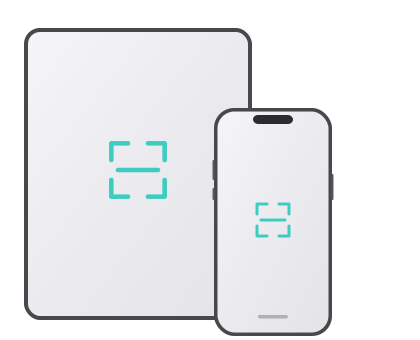

Scan QR code to get UDID
UDID is a unique identifier for each Apple device — like a serial number that distinguishes your iPhone or iPad from every other device.
If iOS asks for a password, enter your device lock screen passcode.
Downloaded Profile
Tap Allow to install the profile, return to the Home Screen, open Settings → General, then tap VPN & Device Management
On the profile screen, tap Install in the top right, then enter your lock screen passcode
Return to the Home Screen, tap the My UDID icon to view your UDID and other device info
Please open in Safari
